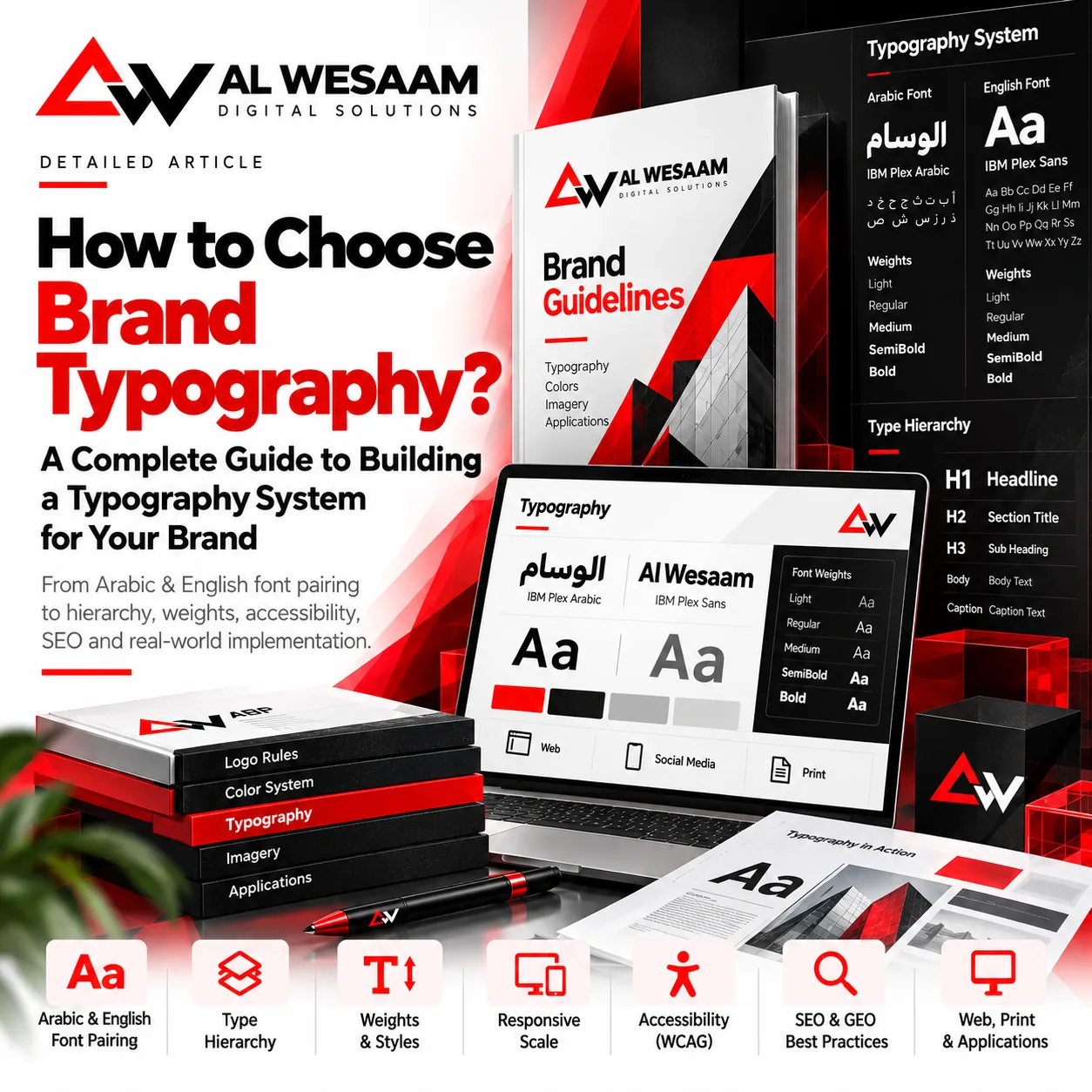
How to Choose Brand Typography: A Practical Guide to Building a Typography System
A typeface that succeeds in a logo word may fail in a paragraph, table, or mobile button. Choosing brand typography means building a system that balances personality with readability and defines how Arabic, English, and numerals work across channels.
Key Takeaways
Start with brand personality and use cases, then test real bilingual content before approving typefaces.
Document sizes, weights, spacing, RTL, fallbacks, performance, and licensing. A font name alone is not a typography system.
What does a typography system add?
A typography system connects choices to roles: page title, section heading, paragraph, button, field label, or caption. It establishes differences without making every element oversized or bold.
Begin with three to five brand attributes such as clarity, precision, and boldness. Test whether a typeface supports them on websites and print, not just a moodboard. Long text and prices need readability even when headlines are expressive.
Test Arabic and English as one pair
Visual balance is not numerical equality. Arabic at weight 600 may appear heavier than Latin at the same weight, and one typeface may need a different size or line height. Compare real passages with numerals and punctuation rather than a single short word.
Check letterforms, Arabic diacritics and joining, counters, and baseline alignment. Use a family supporting both scripts or two complementary families, but do not postpone the English choice until Arabic is already approved.
A testing example: IBM Plex Sans Arabic and IBM Plex Sans
IBM Plex provides Arabic and Latin typefaces within one project, making it a useful starting point for testing coherence. It is an example, not an automatic choice for every brand or a proposal to replace the current AL WESAAM website fonts.
Create a shortlist and apply each candidate to the same page. Compare long Arabic text, buttons, prices, and an English headline, then check the weights available in the actual font files. Record source, version, and license with the approval decision.
Build a clear size and weight hierarchy
Start with a small set of roles. Body text may use Regular, labels Medium, and headings Semibold or Bold, depending on the family. Do not load extra weights without a purpose or rely on synthetic bold in place of an appropriate font weight.
The following is a starting example for a content page, not a universal standard or mandatory scale. Test the actual typeface, heading lengths, and language. Operational panels and compact cards need smaller type than editorial headlines.
| Role | Desktop | Mobile | Starting weight |
|---|---|---|---|
| Page heading | 48px | 32px | 700 |
| Section heading | 28px | 24px | 600–700 |
| Body | 18px | 18px | 400 |
| Caption or secondary detail | 14px | 14px | 400–500 |
Spacing and reading on smaller screens
Line height, paragraph length, and paragraph spacing matter as much as font size. For long Arabic text, approximately 1.7 to 1.8 can be a starting point, adjusted for the family and diacritics. Short headings need a different rhythm.
Use explicit sizes at breakpoints and rem units where appropriate to respond to font preferences. Let headings wrap rather than shrinking body text until it becomes difficult to read. Check the longest words, tables, and buttons at real phone widths.
Avoid fixed heights for text containers that may need to grow. Stable tool-button dimensions do not require clipping paragraphs or preventing cards from expanding.
RTL and mixed text are more than right alignment
Set lang="ar" and dir="rtl" for Arabic pages and handle English fragments, numbers, and URLs in their proper direction. Use directional isolation such as bdi where appropriate, and test email addresses, phone numbers, SKUs, and prices.
Do not automatically transfer Latin tracking to Arabic. Start with normal spacing, preserving joining and diacritics. Test browser output rather than relying only on a design application.
<p lang="ar" dir="rtl">
  رقم المنتج: <bdi dir="ltr">AW-2035</bdi>
</p>
Accessibility: test contrast, resizing, and spacing
A typeface looking good to its designer is not enough. Review contrast and avoid extremely thin weights for important text. WCAG AA requires 4.5:1 for normal text and 3:1 for large text, but passing contrast alone does not demonstrate full-page conformance.
Test text resizing to 200% without losing content or functionality. Also test line height at 1.5 times font size, paragraph spacing at twice font size, letter spacing at 0.12em, and word spacing at 0.16em where those properties apply to the language and script.
Text Spacing does not require these values as the default design. It requires preserving content and functionality when users apply the specified spacing changes. Pay particular attention to headings, buttons, and form messages.
Performance, variable fonts, and fallback fonts
Load only the families and weights actually used, with WOFF2 where supported by the deployment workflow. Define appropriate fallbacks and a font-display strategy, then test slow networks, font loading failures, and layout changes.
A variable font may combine a weight range in one file, but it is not automatically faster in every project. Compare actual payloads against requirements. Prefer high-level properties such as font-weight for standard axes where appropriate, reserving low-level variation settings for cases that need them.
Licensing, print, and handoff
Check the actual font file, source, and permitted uses, especially self-hosting, applications, and document embedding. Do not distribute font files to clients or printers unless permitted. Document who holds the license.
For print, specify sizes in points and review a proof at its final physical size. Verify PDF embedding or subsetting under the font permissions and the printer's requirements. Web rules do not transfer unchanged to a booklet or outdoor sign.
Deliver families, versions, weights, digital and print scales, bilingual rules, fallbacks, and correct and incorrect examples, with shared values between design and code.
Does typography affect SEO and GEO?
No typeface guarantees Google rankings or citations in AI answers. Practical benefits come from readable, accessible content, a meaningful heading structure, and actual HTML text instead of paragraphs embedded in images.
Use H1 and H2 according to content structure, not the visual size you want; CSS controls presentation. Test performance, language, and internal links without keyword stuffing or unsupported claims of improvement.
Frequently Asked Questions
Do I need separate Arabic and English typefaces?
Not always. A family supporting both scripts can simplify coherence, while a complementary pair may suit other projects. Test real content together.
How many weights does a system need?
Choose weights for defined roles. Start with a limited set for body, labels, and headings rather than loading every available weight.
Is 18px suitable for every Arabic font?
No. It is a possible starting point; apparent size and readability depend on family, weight, spacing, and device.
Are variable fonts always better?
No. Compare support, required weights, payload sizes, and test results before choosing.
Related Articles9
Build an identity that reads clearly in both languages
Discuss typeface selection, hierarchy, and implementation across your brand guide, website, and print with AL WESAAM.