A professional website is the product of several layers working together: visual hierarchy, clear UX, fast performance, trust signals, and a brand system that stays consistent from the first screen to the final CTA.
AL WESAAM Team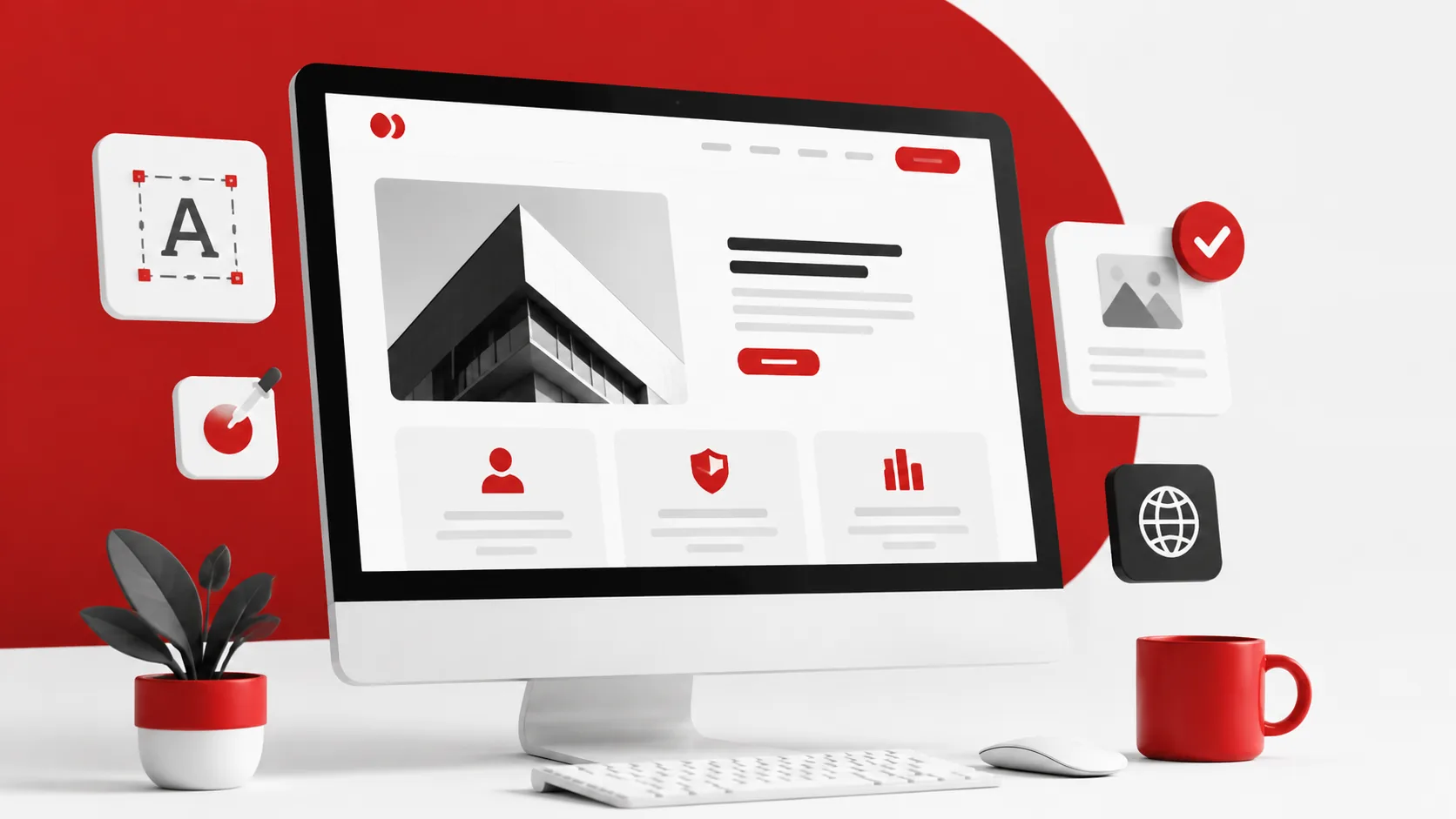
What Makes a Business Website Feel Professional? A Practical Guide to Trust and Conversion
In digital markets, people do not judge a company by its service alone. They judge it through the shape of its website, the ease of using it, and the level of confidence it creates in the first few seconds. A website feels professional not because it looks expensive, but because it explains value quickly, reduces doubt, and makes the next step feel safe.
Executive Summary
A professional website is the product of several layers working together: visual hierarchy, clear UX, fast performance, trust signals, and a brand system that stays consistent from the first screen to the final CTA.
If a new prospect lands on your website from a phone, can they understand who you are, what you offer, why they should trust you, and what to do next within seconds? If yes, you are much closer to real professionalism.
Professional does not mean visual only
Many websites look stylish but still do not feel credible. Visitors rarely separate the look of the page from the maturity of the company behind it. When the message is vague, the browsing path feels heavy, or the next action is unclear, visual polish quickly turns into hesitation.
Real professionalism means the user understands your offer fast and senses operational discipline behind the interface itself: clean structure, controlled language, and a browsing flow that reduces thinking instead of increasing it.
Visual hierarchy shapes the first impression
The first trait of a professional website is clean composition. The primary headline should lead, the value should appear before decoration, and the CTA should be visible without visual noise. Strong hierarchy tells the eye where to start and where to continue.
Typography, contrast, spacing, and image choice also influence credibility immediately. Easy-to-read text, disciplined color use, and visuals that support the message make the business feel intentional rather than merely decorative.
UX clarity and commercial confidence
Good navigation does not show how clever the writer is. It shortens the user’s path. Professional websites present familiar routes such as About, Services, Work, and Insights or Resources, with a visible contact option that feels easy to trust.
Commercial clarity matters just as much. Generic buttons like Start Now may attract attention, but they create friction when they do not explain the next step. Specific CTAs such as Request a Consultation, Review Past Work, or Discuss Your Project reduce hesitation and improve confidence.
The technical layer visitors may not see, but always feel
Speed is not an isolated technical detail. It is part of the brand impression. A slow page, layout shifts during load, or broken mobile interactions make a website feel less mature even when the art direction is strong.
That is why professionalism includes what is not immediately visible: mobile-friendly layouts, meaningful heading structure, optimized images, HTTPS, and forms and links that work without friction. These choices lower doubt and make the experience easier to understand.
How a website moves from attractive to convincing
- Start with a clear above-the-fold value proposition that explains who you serve, what problem you solve, and why your offer fits.
- Turn each service page into a useful decision page: problem, solution, deliverables, process, and common objections.
- Add trust proof that can be validated quickly: selected work, contextual testimonials, real screenshots, and visible contact paths.
- Reduce form friction by asking for essential information first and making the next step predictable.
- Protect the mobile experience with readable type, strong contrast, lightweight media, and tap targets that feel reliable.
- Keep the brand voice, button language, and visual logic consistent across the entire site so it feels like one system rather than scattered pages.
Reference websites worth studying
Common mistakes that weaken professionalism
The most common problems are crowded first screens, excessive fonts and colors, generic stock visuals, and confusing navigation labels that demand extra interpretation. These force users to work harder than they should just to understand what the business does.
Other credibility killers include thin mobile content, slow loading, missing metadata, and trust elements that feel staged instead of real. Convincing websites do not try to impress with volume. They win through clarity.
FAQ
Is a beautiful design enough to make a website feel professional?
No. Strong visual design helps, but professionalism also depends on messaging clarity, ease of use, speed, trust proof, and an understandable next step.
What should be fixed first if a website feels confusing?
Start with the main headline, the structure of the first screen, and the clarity of the contact CTA. If those are weak, other improvements lose a lot of their commercial impact.
Does speed really affect business perception?
Yes. Fast pages create a sense of control and trust. Slow pages suggest a messy experience, even when the visuals look polished.
How do I know whether my website feels more professional now?
Look for faster understanding, better movement into service and work pages, and stronger interaction with contact CTAs or form starts.
Sources10
More insights2
Does your website look polished but still fail to close the trust gap?
AL WESAAM can help turn your website from a clean visual layer into a clear commercial asset that builds confidence and makes contact easier.